AURA
JSGG

AuraJS
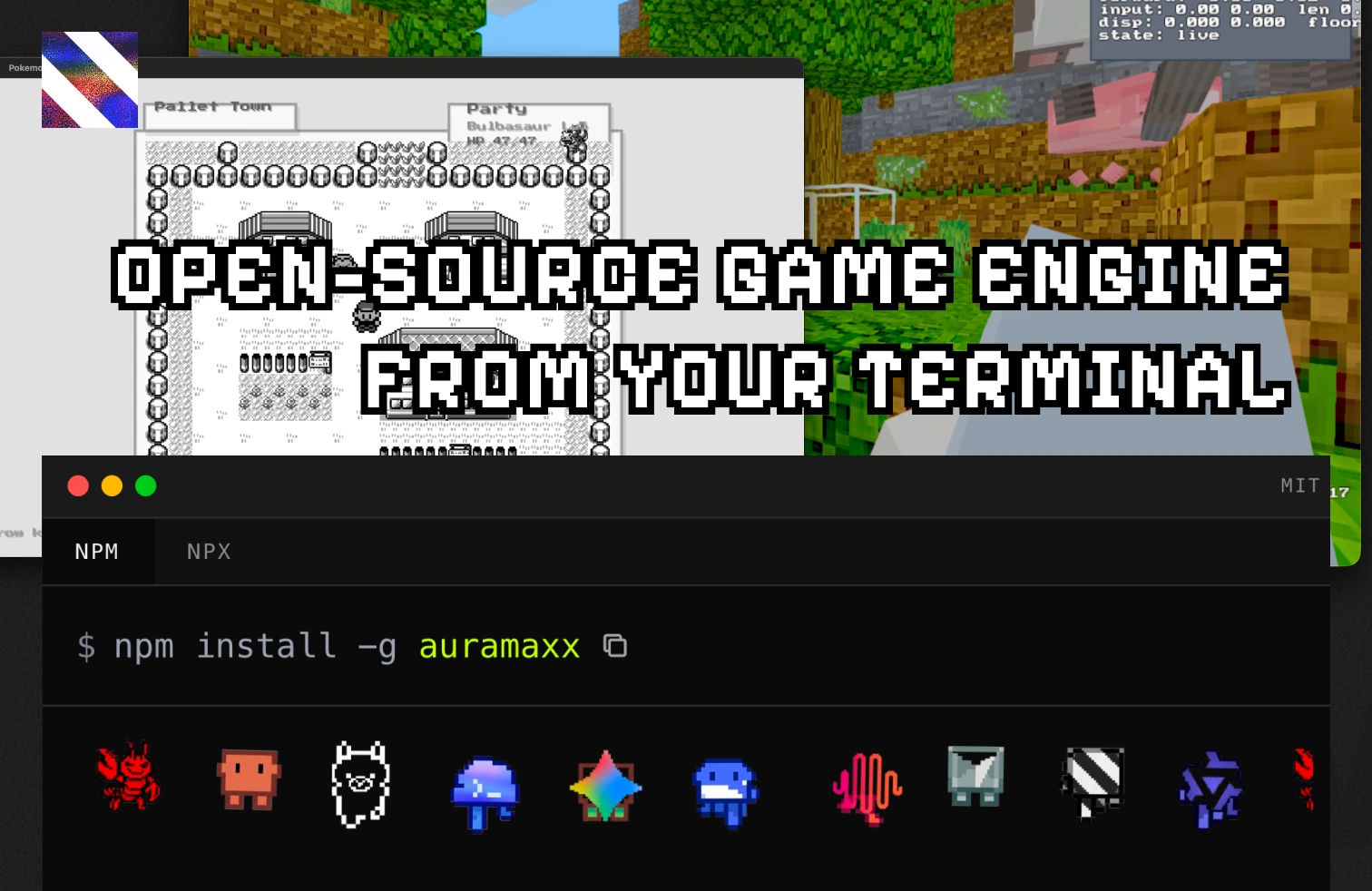
Write JavaScript 2D and 3D games, compile to native. Create, play, and publish from your terminal.
Alpha status: AuraJS is still in alpha and not ready for production use.
Website: aurajs.gg
Quickstart
npm install -g auramaxx
auramaxx create my-game
cd my-game
npm run dev
One-off bootstrap without a global install:
npx auramaxx
Inside a scaffolded game, use the shorter auramaxx alias or the generated
npm run ... scripts for local engine commands.
Mobile Build Truth
AuraJS now recognizes staged mobile build targets:
auramaxx build --target android
auramaxx build --target ios
auramaxx build --target mobile
Current truth:
- these targets stage package roots under
build/androidandbuild/ios - target-owned build manifests are
android-build-manifest.jsonandios-build-manifest.json - external Gradle/Xcode execution is still a follow-on lane, not part of the
shared
build --target mobilestage
Play an Example
npm install -g auramaxx
auramaxx play auramon-three

# or from this repo checkout
npm run example:web -- auramon-three
iOS Simulator Preview
From packages/aurascript, launch the repo-local iOS simulator preview for an
example without signing or export:
npm run example:ios -- auramon
If you want the owned simulator proof lane and JSON artifact instead of the interactive preview shortcut:
npm run check:ios-simulator-smoke -- --example auramon
Pre-Push Native Check
From packages/aurascript, validate the locally built release host before a
GitHub push:
npm run check:prepush-native
npm run prepush:native
Quick version:
bash ./scripts/check-prepush-native.sh --quick
npm run prepush:native:quick
Direct script form:
bash ./scripts/check-prepush-native.sh --quick
GitHub Artifact Validation
Before publishing a tagged release, validate the exact green GitHub-built host
artifact against a clean checkout of that CI commit. The default validation
probes both auracraft and auramon:
npm run check:gh-artifact-native -- --repo Aura-Industry/auramaxx --title v0.1.5
Run it from the matching release checkout, or pass --source-ref <git-ref> if
you need the clean local export to come from a specific committed ref.
You can also pass an explicit run id:
bash ./scripts/check-gh-artifact-native.sh 22964878426 --repo Aura-Industry/auramaxx
To launch a real example against the downloaded CI-built host:
npm run example:testci -- auramon
Fork a Game
npm install -g auramaxx
auramaxx fork auramon
Working With AI Agent
Inside your codebase:
cd <your-codebase>
npx -y skills add Aura-Industry/auramaxx
Then use https://www.aurajs.gg/docs for engine docs and API references.
Multiplayer TL;DR
auramaxx create my-room-game --template multiplayer
cd my-room-game
npm run dev

# second terminal
npm run join -- AURA2P
Keep that same flow and add internet-backed rooms with either:
aura.config.json -> multiplayer.relay = "relay.aurajs.gg"- or
AURA_MULTIPLAYER_RELAY_HOST=relay.aurajs.gg
Use Multiplayer Quickstart for the short multiplayer doc, or Multiplayer Party Example for the same-project example with diagnostics and room chat.
Feature Set
| Metric | AuraJS | Unity | C / C++ | Electron |
|---|---|---|---|---|
| Engine fees | free | paid tiers | none | free |
| Hot reload | <1s | 5-30s | recompile | <1s |
| Min binary size | ~2 MB | ~80 MB | ~1 MB | ~150 MB |
| GPU access | native | native | native | WebGL |
| Developer pool | 20M+ | 5M | 3M | 20M+ |
| AI code gen quality | excellent | decent | poor | decent |
| Multiplayer | sync JSON | Netcode | custom | sync JSON |
| Modding | native | framework | Lua/etc | native |
| Patch size | KBs | MBs-GBs | full binary | KBs |
| Platform APIs | built in | - | - | - |
| Vendor lock-in | none | heavy | none | Chromium |
| Build config | zero | editor | cmake | webpack |
- JavaScript-first authoring with a native Rust host underneath it
- Terminal-first create, dev, play, inspect, and publish flow through
auramaxx - Native host binaries for macOS, Linux, and Windows
- Android and iOS staging targets in v1 via
auramaxx build --target android|ios|mobile - Room-code multiplayer with local-first join, internet promotion, and relay fallback
- Public docs, handbook pages, and exact contract references on
aurajs.gg/docs - Publishable npm game wrappers that can be played from the terminal
Docs
- AuraJS README - AuraJS overview and public docs entrypoint
- Game Developer Handbook - game developer handbook
- Multiplayer Quickstart - shortest multiplayer setup path
- Core API Contract - frozen core API contract
- 3D API Contract - frozen 3D API contract
- Exact Reference Index - exact reference index
- Combined Public Reference - combined public reference
Live docs:
Native Host Binary Packages
| Platform | Package |
|---|---|
| macOS ARM | @aurajs/darwin-arm64 |
| macOS x64 | @aurajs/darwin-x64 |
| Linux x64 | @aurajs/linux-x64 |
| Windows x64 | @aurajs/win32-x64 |